Image Carousel
Auto-scrolling carousel with manual navigation controls
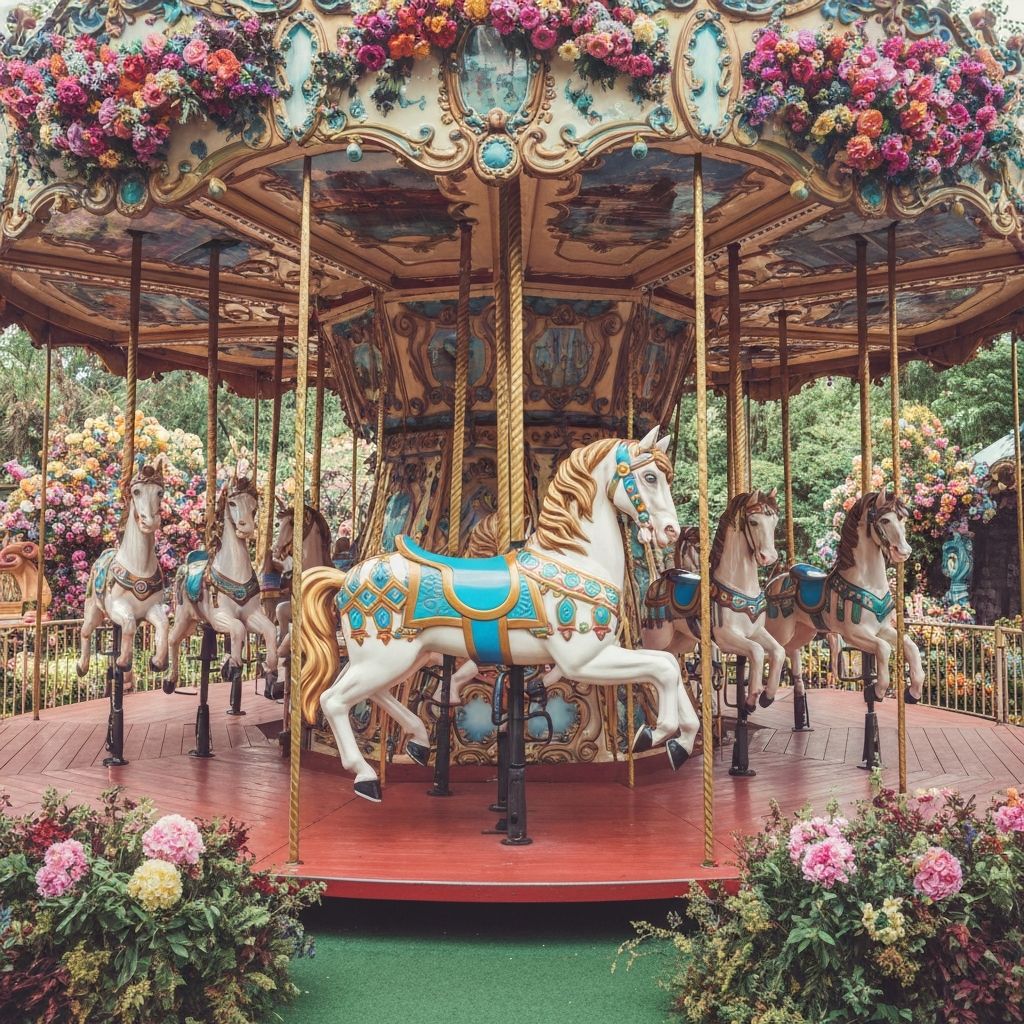
1 / 3
Features: The carousel automatically transitions every 3 seconds. Use the arrow buttons to navigate manually, or click the progress dots to jump to a specific slide. Toggle auto-play with the button below.
Source Code
<!DOCTYPE html>
<html lang="en">
<head>
<meta charset="UTF-8">
<meta name="viewport" content="width=device-width, initial-scale=1.0">
<title>Image Carousel</title>
<link rel="stylesheet" href="styles.css">
</head>
<body>
<div class="carousel">
<button class="carousel-button" onclick="prevImage()">❮</button>
<img id="carousel-image" src="image1.jpg" alt="Carousel Image">
<button class="carousel-button" onclick="nextImage()">❯</button>
</div>
<script src="script.js"></script>
</body>
</html>